Hear every sentence.
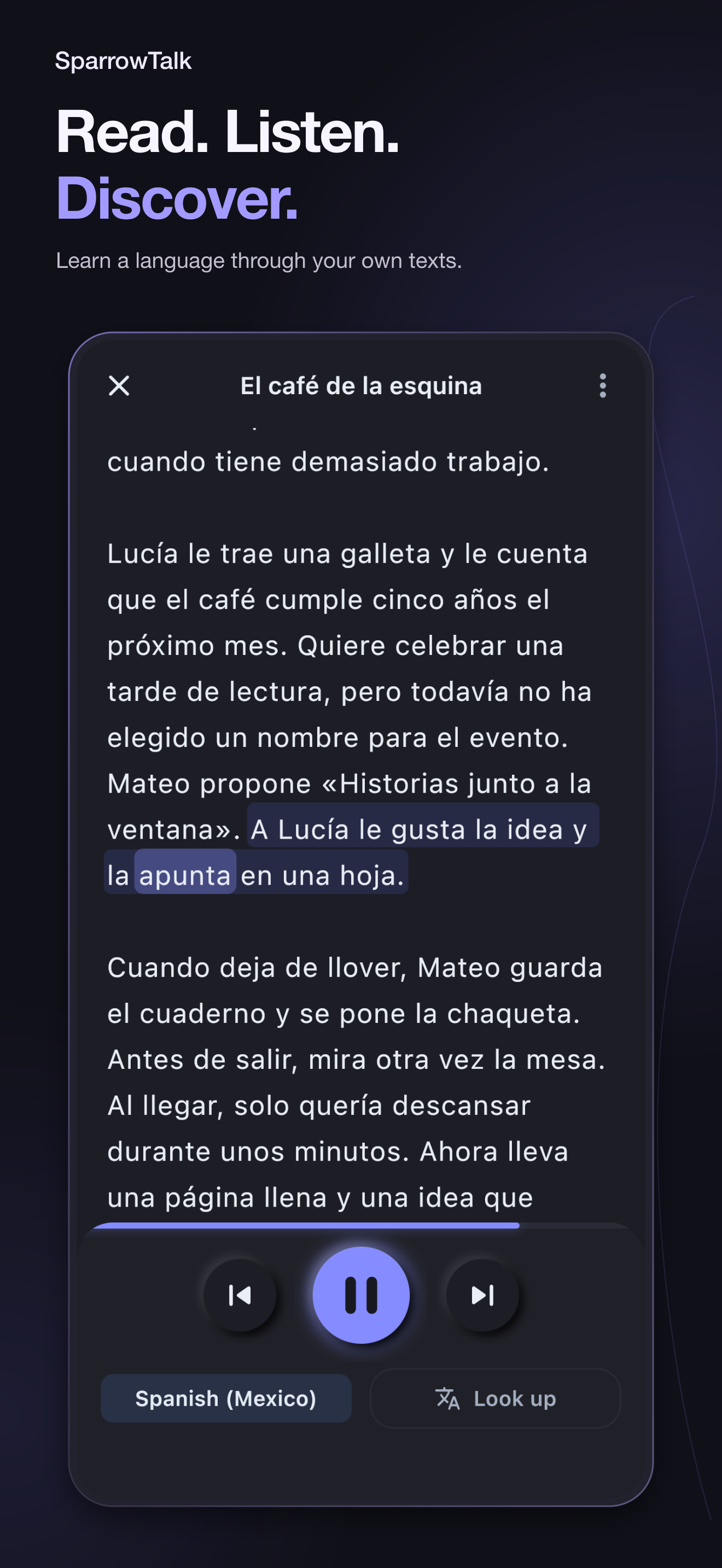
SparrowTalk reads your text aloud and highlights each sentence, so you can follow along or simply listen.
 SparrowTalk
Get the app
Now on AndroidComing soon to iPhone.
Turn anything you read into natural audio—and learn the language while you listen.
 Coming soon
Try it Tap a highlighted word, or press play.
Lucía le trae una galleta y le cuenta que el café cinco años el próximo mes. Quiere celebrar una tarde de lectura, pero ha elegido un nombre para el evento. Mateo propone «Historias junto a la ventana». A Lucía la idea y la en una hoja.
Cuando deja de llover, Mateo el cuaderno y la chaqueta. Antes de salir, mira otra vez la mesa. Al llegar, solo quería descansar durante unos minutos. Ahora lleva una página llena y una idea que puede compartir con otras personas. Decide volver el viernes siguiente, aunque haga sol.
cumple
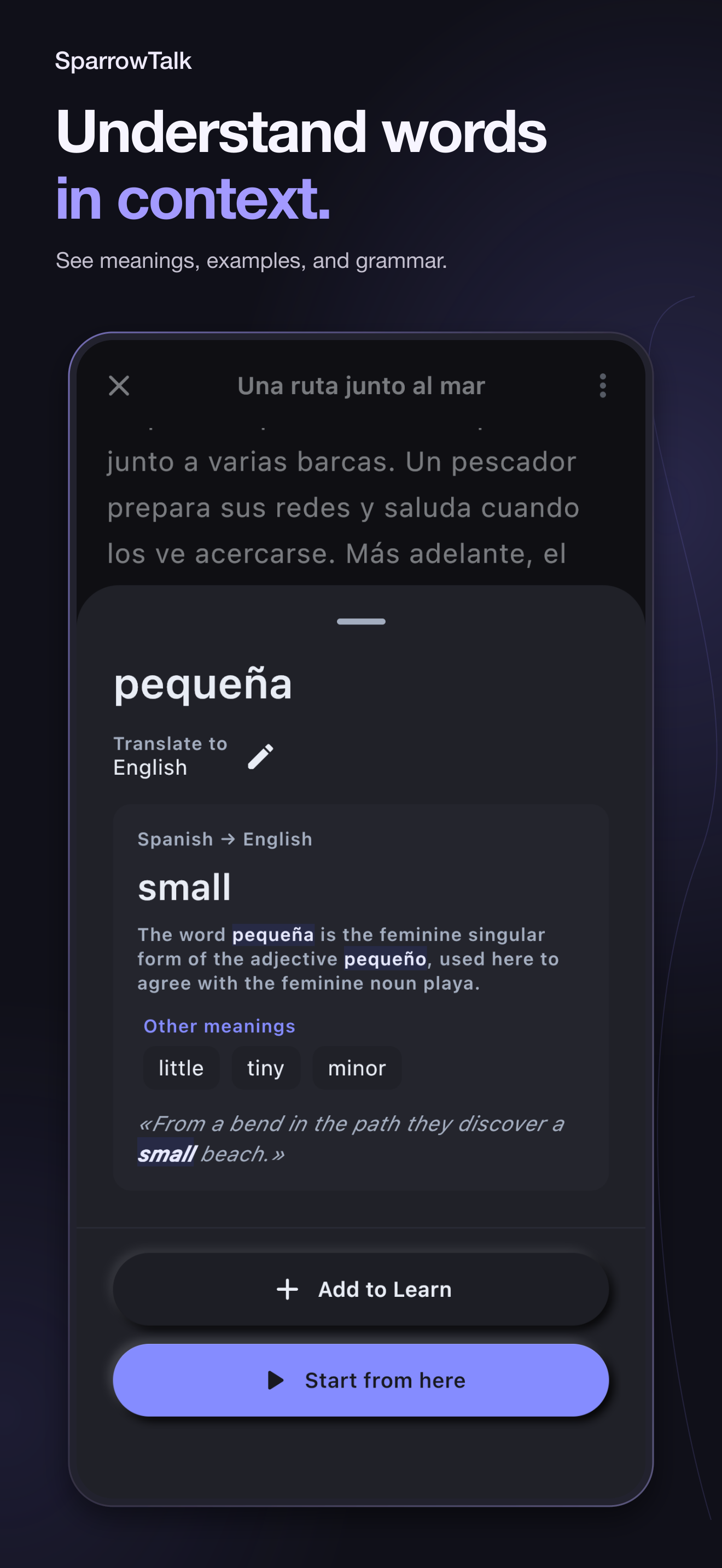
Spanish → English
turns (five years old)
Cumplir usually means to fulfil or carry out. With años, it means to turn a certain age: the café turns five.
Other meanings
cumple
Spanish → English
turns (five years old)
Cumplir usually means to fulfil or carry out. With años, it means to turn a certain age: the café turns five.
todavía no
Spanish → English
not yet
On its own, todavía means “still”. Before a negative verb, todavía no means “not yet”.
le gusta
Spanish → English
likes
Literally “the idea pleases her”: in Spanish, the thing you like is the subject, and the person who likes it is le.
apunta
Spanish → English
writes down
Apuntar can mean to aim or to point. With a note or a sheet of paper, it means to write something down.
guarda
Spanish → English
puts away
Guardar means to keep or save. Here it means to put something back where it belongs.
se pone
Spanish → English
puts on
With clothes, ponerse means to put them on. Without se, poner simply means to put or place.
Inside the app
SparrowTalk reads your text aloud and highlights each sentence, so you can follow along or simply listen.
Translate words in their sentence, understand the meaning, and save useful examples as learning cards.
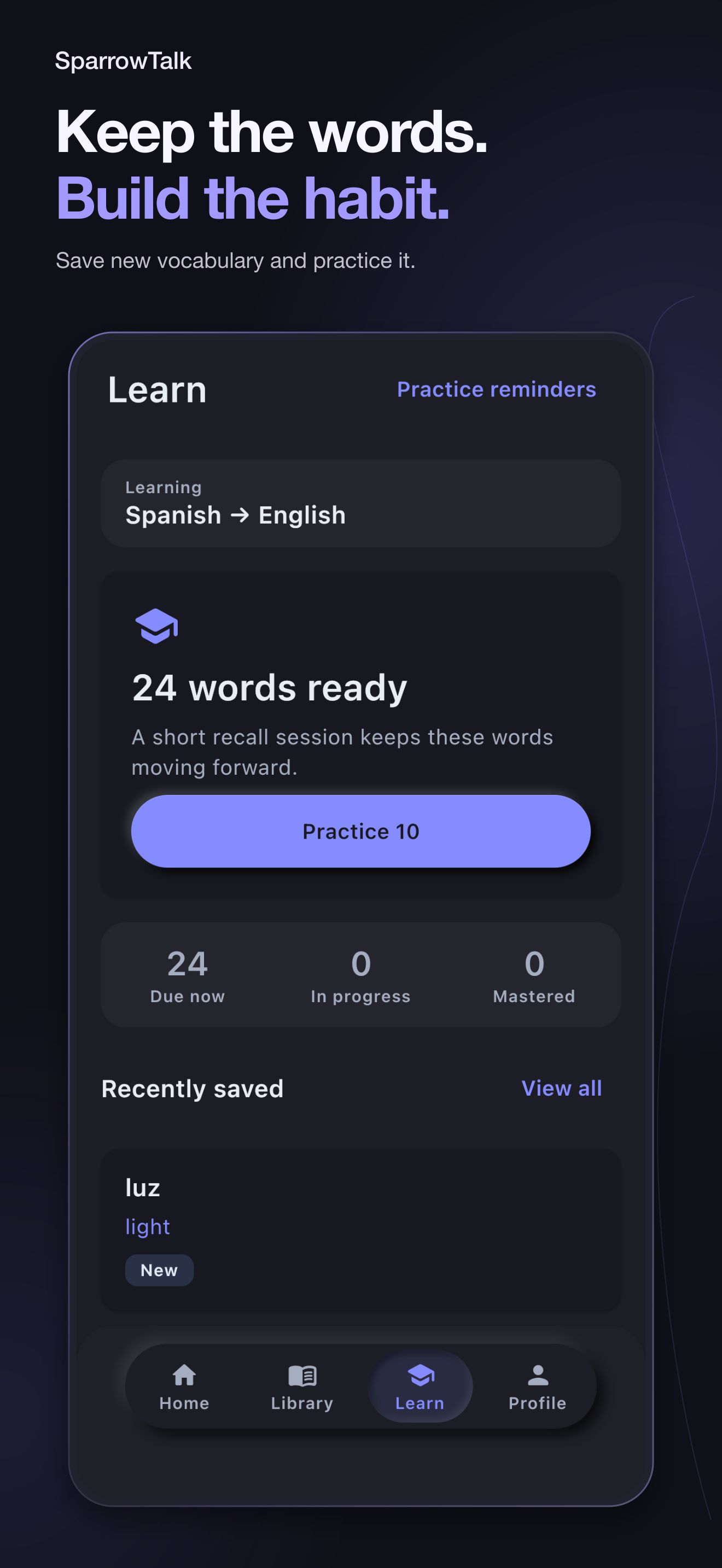
Save new vocabulary and practice it.
Practice with examples from your reading.
Practice with examples from your reading.
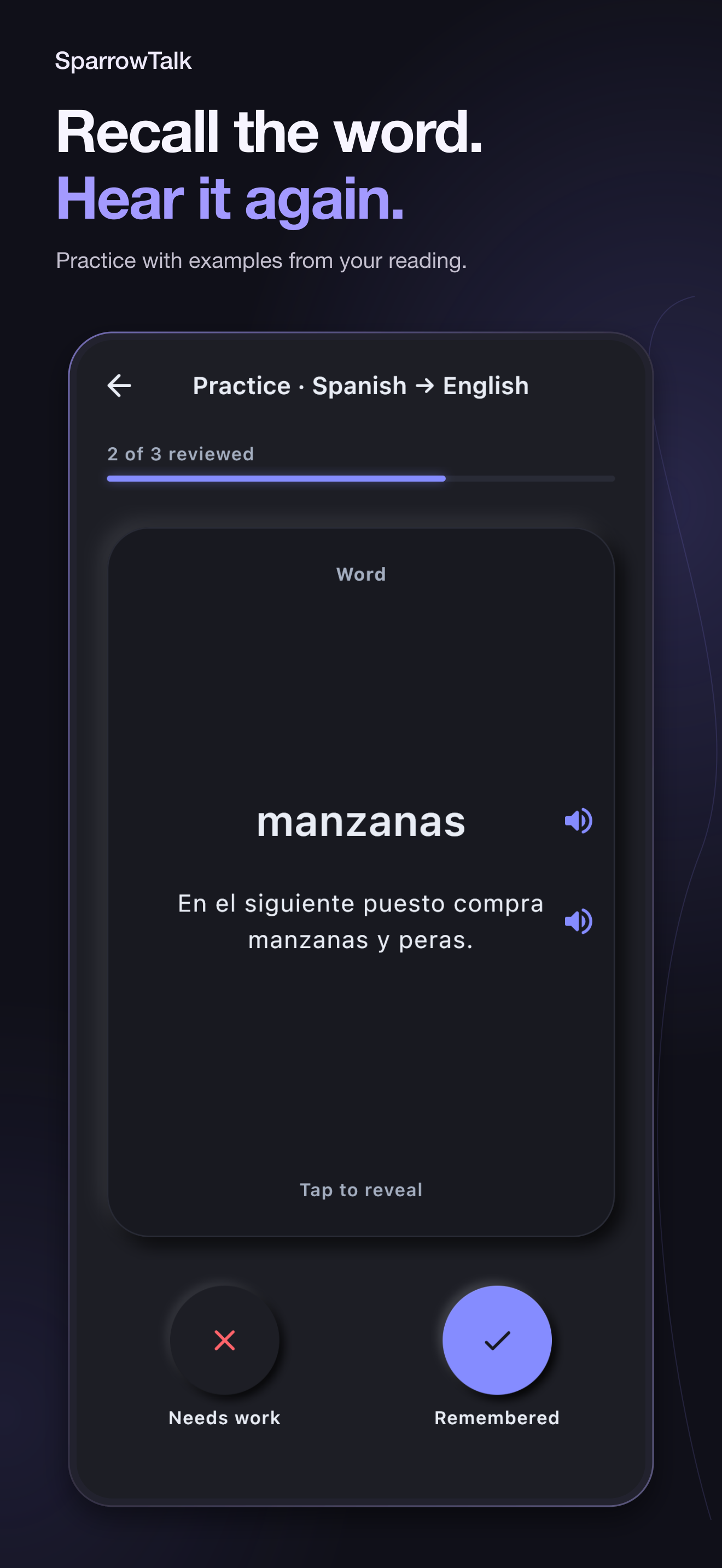
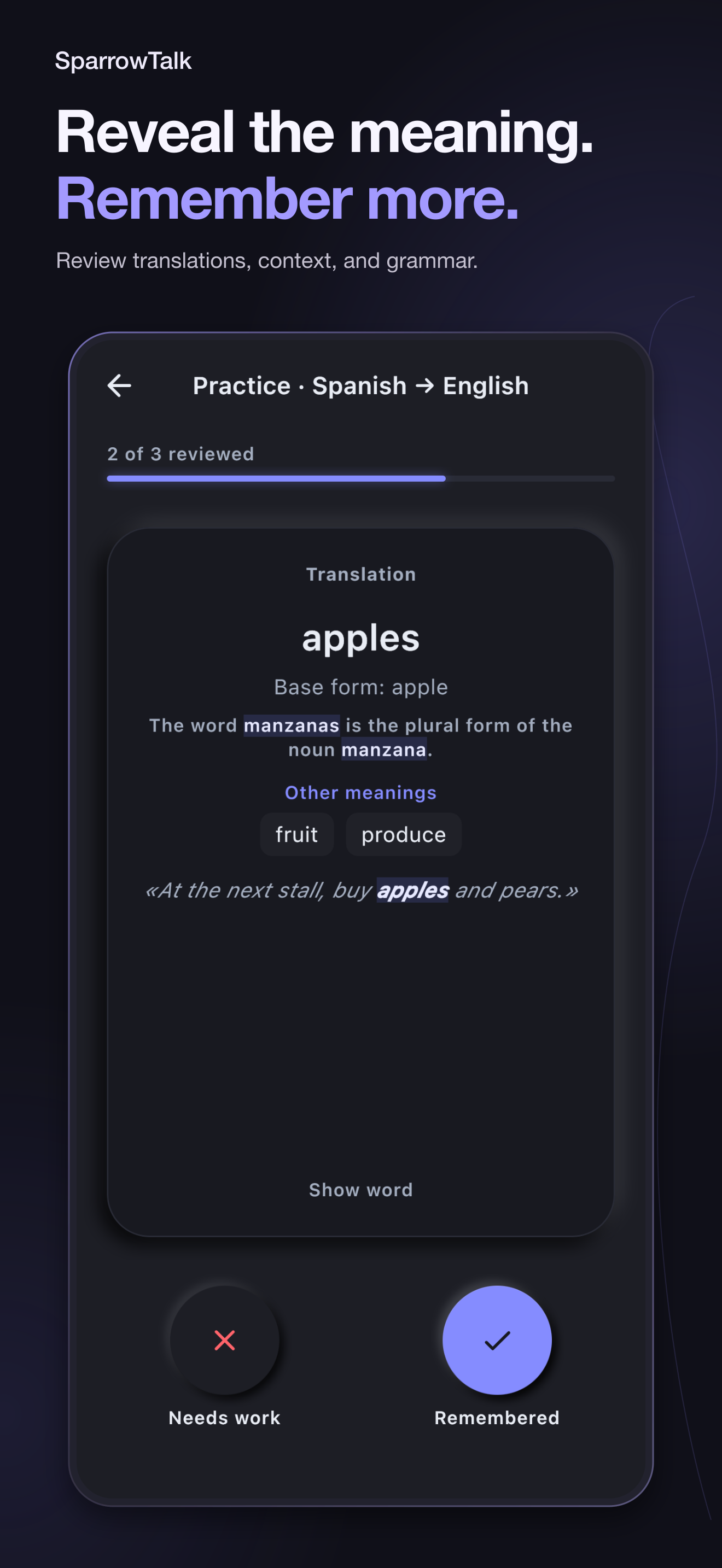
Review the words you saved, reveal their meaning, and hear how they sound.
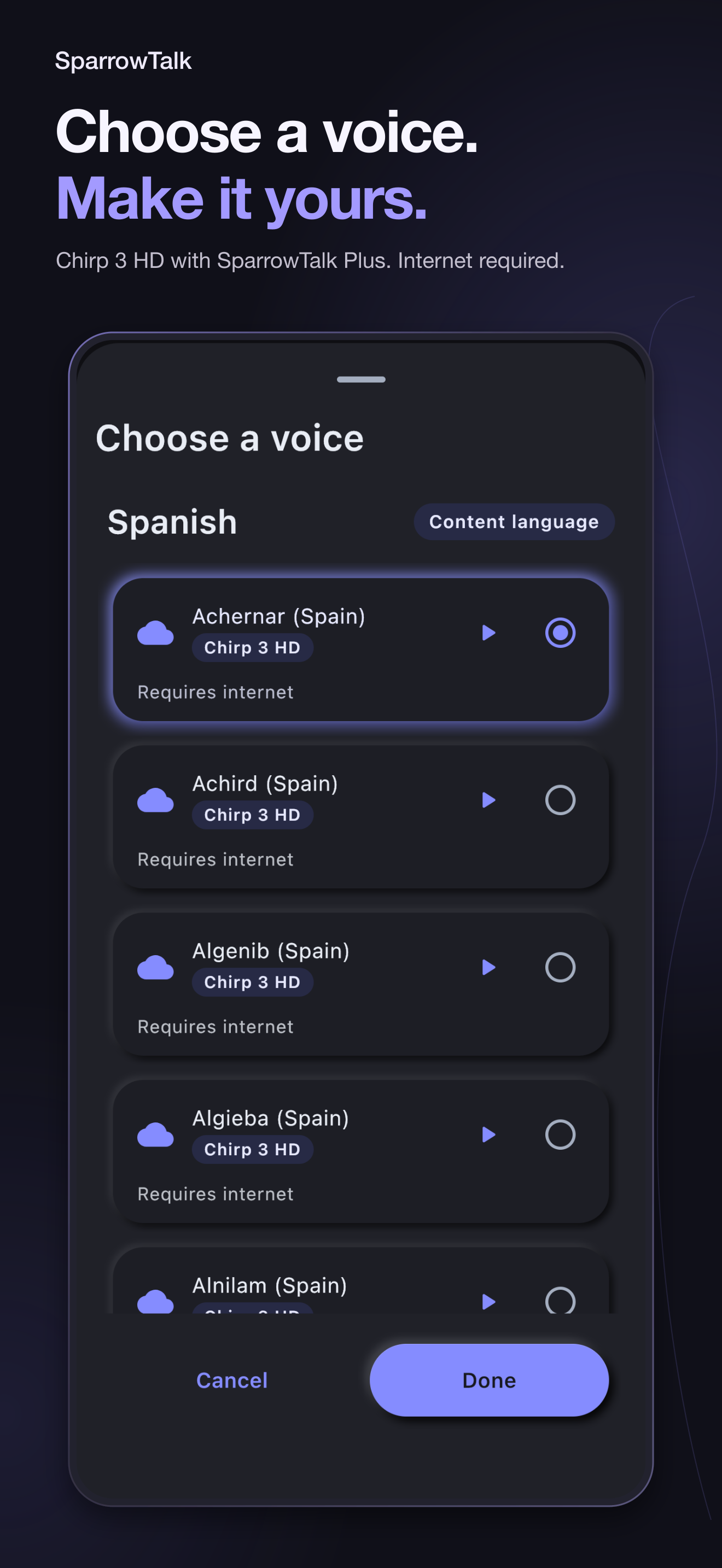
Listen with system, downloaded neural, or optional cloud voices while SparrowTalk keeps your place.
Chirp 3 HD with SparrowTalk Plus. Internet required.
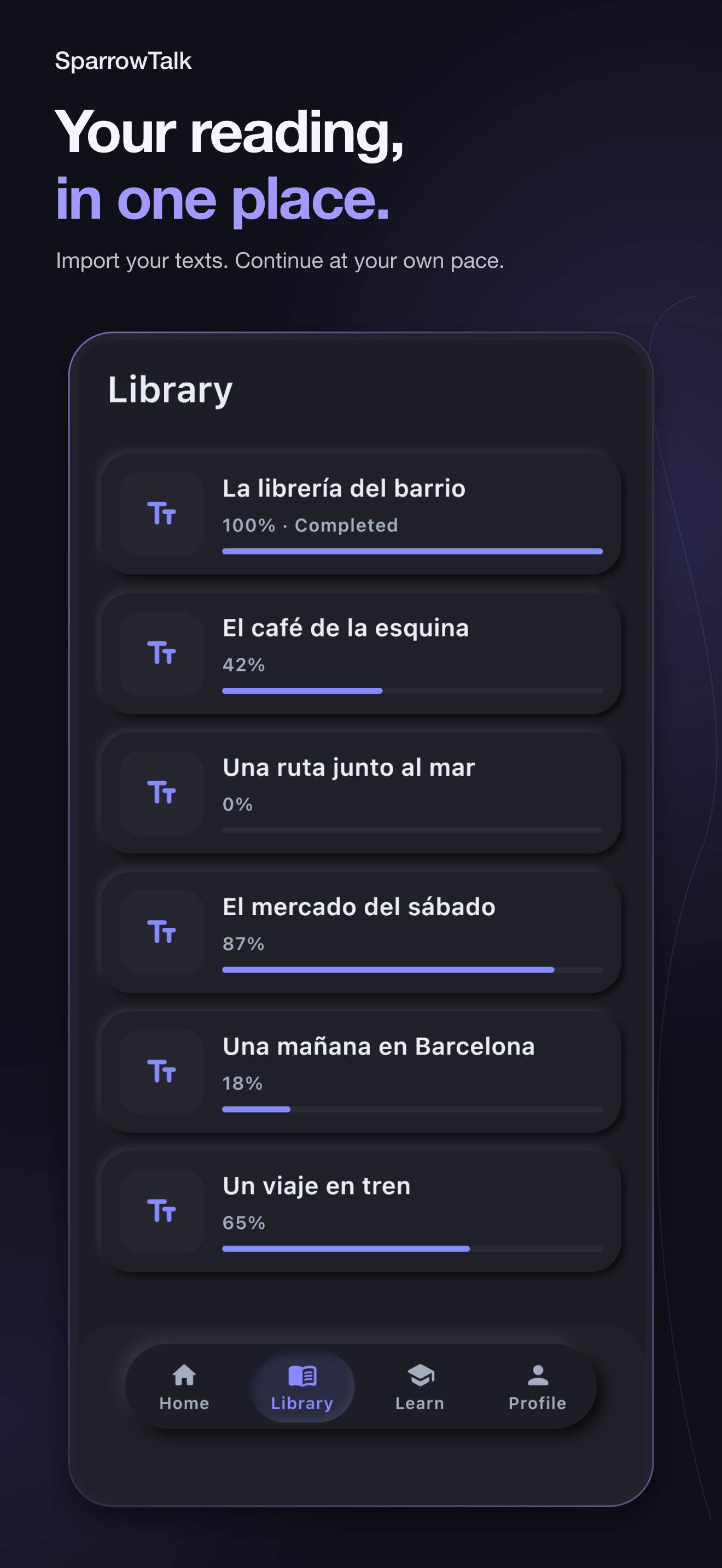
Import, keep listening, and see your progress.
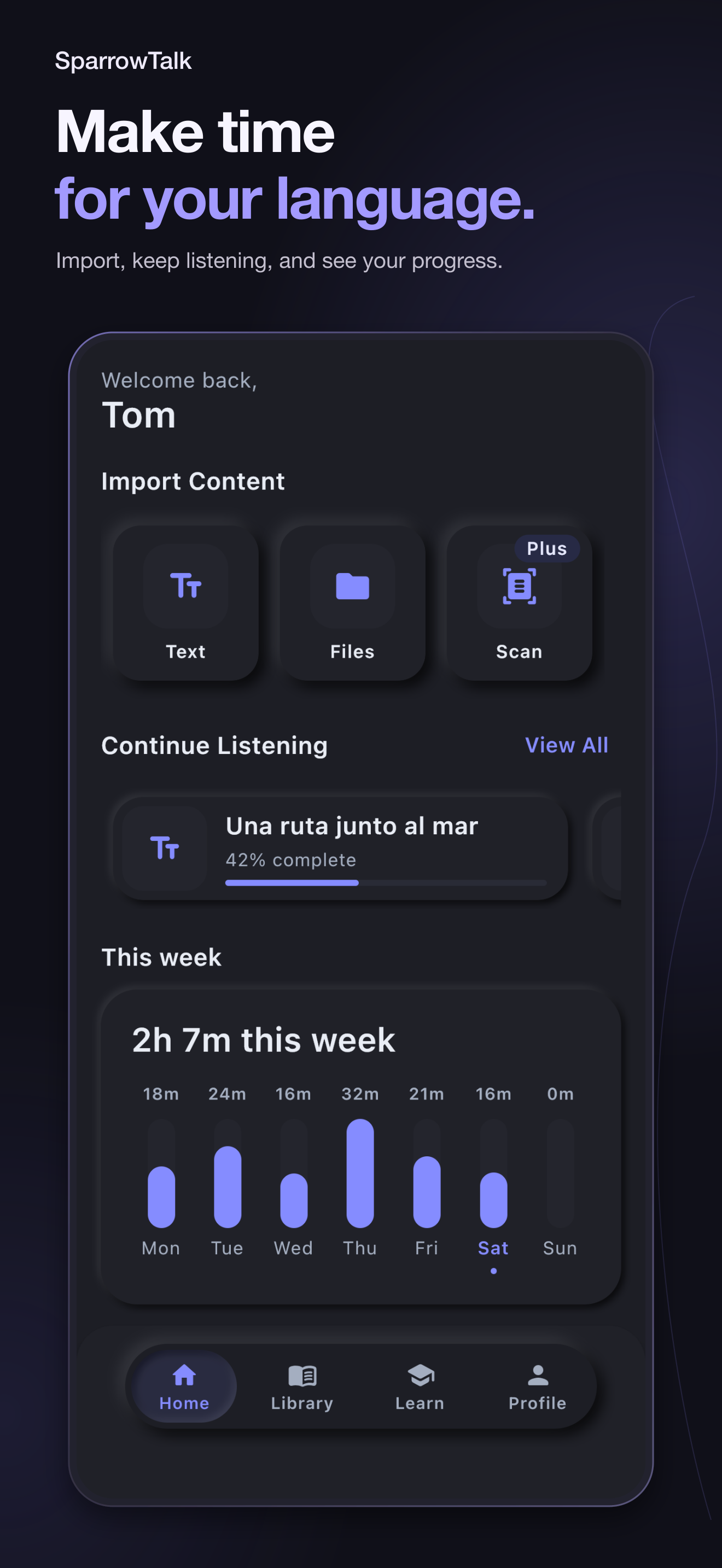
Bring your books, documents, and saved words together. Pick up where you left off across your devices.
Choose on-device tools or enable optional cloud translation and voices. You stay in control of how you read, listen, and learn.
Read the privacy detailsImport PDF, EPUB, DOCX, or pasted text and keep documents, progress, vocabulary, and preferences synchronized.
On-device translation and local or system voices remain available when cloud processing is off.
SparrowTalk explains when selected text may be processed by Gemini or when narration segments may be processed by Google Cloud Text-to-Speech. You choose whether to enable those features and can change the choice later.
Plus expands rich translations, learning cards, and voice options. Localized price, billing period, trial eligibility, renewal, and cancellation terms are always shown by the App Store or Google Play before purchase.
Read the subscription termsVisit support
Get support
Make room for listening and learning in your everyday life.
Coming soonFor Android and iPhone.